
Video Script Generator
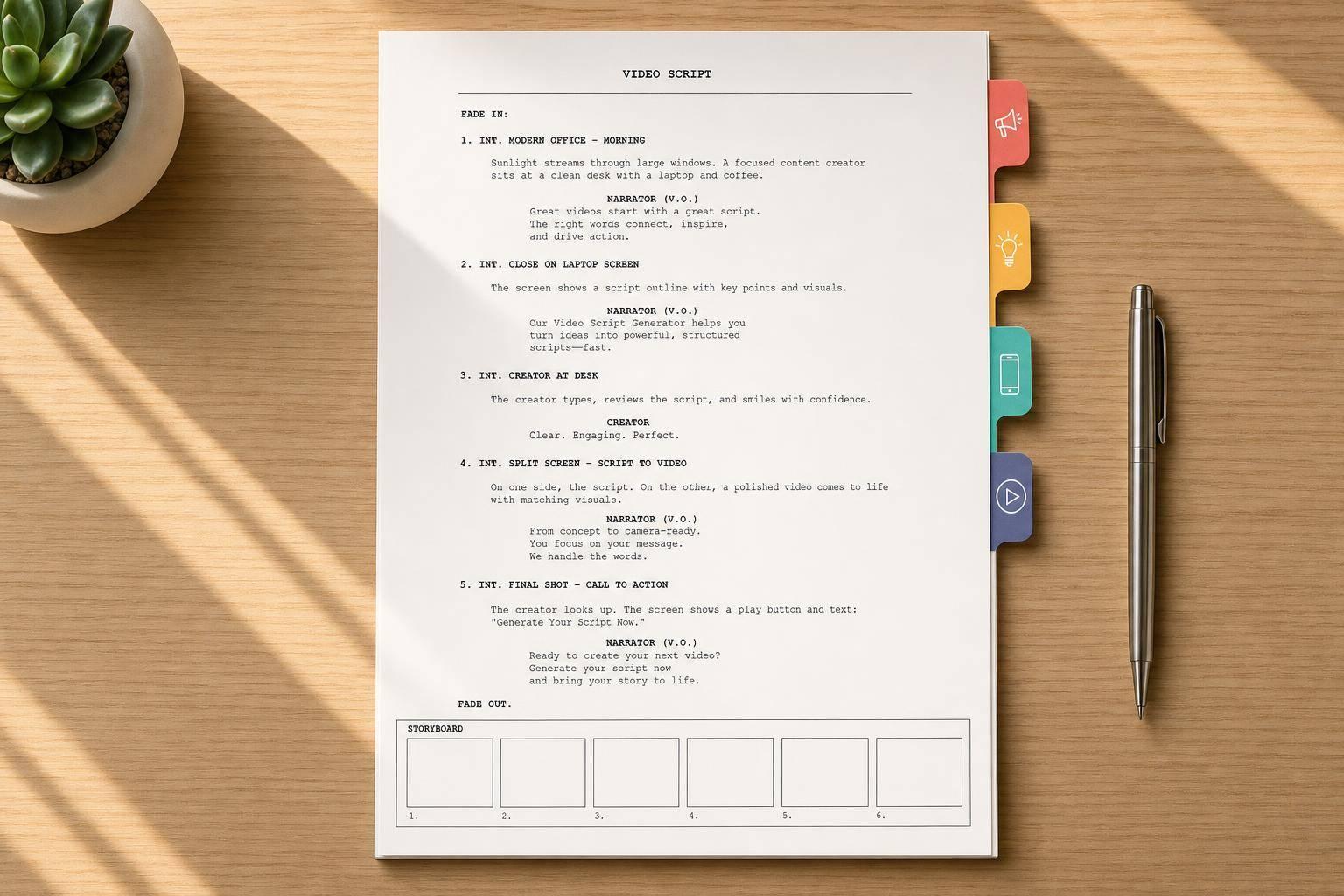
Video Script Generator
Write Better Video Scripts Without Starting From Scratch
A faster way to turn ideas into watchable content
A strong Video Script Generator can save hours of outlining, rewriting, and trimming lines that sound fine on paper but awkward out loud. If you're creating ads, explainers, product demos, or short-form social content, the real challenge isn't just getting words on the page. It's shaping a script that fits the platform, matches the audience, and moves naturally from hook to message to action.
Built for creators, marketers, and teams
This tool helps you create a polished video script based on your topic, goal, tone, and target length. It organizes key points into a clear structure, chooses a framework that suits the format, and keeps the phrasing conversational enough for real delivery. That means less filler, fewer stiff transitions, and a smoother edit if you want to personalize the final draft.
Useful for short clips and full explainers
Whether you need a quick TikTok opener, a YouTube walkthrough, or a conversion-focused sales video script, this Video Script Generator gives you a practical first draft plus alternate hooks, CTAs, and scene cues. It's a simple way to move from rough notes to something you can actually record.
FAQs
What kinds of video scripts can this tool create?
It can generate scripts for marketing videos, explainer videos, social clips, educational content, product demos, landing page videos, and ads. The structure changes based on what you're making, so a short TikTok script will feel very different from a YouTube explainer or a conversion-focused promo video.
Will the script match the platform and target length I choose?
Yes. The tool adapts structure, pacing, and phrasing based on the platform or format you select. Short-form content gets tighter hooks and faster movement, while longer formats have more room for context, proof, and smoother transitions. It also aims to keep the script easy to say aloud, which matters a lot for timing.
Can I use the script as-is, or is it meant to be edited?
Both. The output is designed to be usable right away, especially if you provide clear inputs and key points. At the same time, it's easy to customize, so you can tweak brand voice, swap examples, shorten sections, or refine the CTA without having to rebuild the whole script from scratch.