
Short-Form Video: A Beginner's Guide for Business Owners
Short-Form Video: A Beginner's Guide for Business Owners
Short-form video works best when I give each clip one clear job. If I try to teach, sell, answer objections, and onboard customers in one post, the message usually falls apart.
Here’s the simple system:
- Pick one goal: awareness, trust, consideration, conversion, or retention
- Use one customer question: start with what people already ask
- Keep the video simple: Hook → Value → Proof → Close
- Film for phones: vertical 9:16, exported in 1080p
- Post across platforms: TikTok, Reels, Shorts, Facebook, LinkedIn, and X
- Track business results: watch time, saves, shares, profile visits, leads, and sales
I’d treat this like a 4-week test. Post one or two repeat topics each week, log the platform and date, and watch which clips lead to action. Views alone are not enough. A video with fewer views but more leads may do more for the business.
A few hard numbers help frame this. Short-form video is built for mobile use, and mobile screens reward fast openings, clean framing, and one clear point. That’s why a basic structure and steady testing matter more than high-end production or a big budget.
In short, the article says this: answer one customer question, keep production light, post with purpose, and measure what leads to sales. That is the fastest way for me to build a video system I can keep using.
Choose the Right Goal, Topic, and Video Format
Before you hit record, get clear on what the video is supposed to do. Some videos put your brand in front of new people. Others build trust or help current customers get more out of what they bought. When one clip tries to do all of that at once, the message usually gets muddy.
Match Each Video to a Business Goal
Think of each video as having one job. That job shapes the message, the angle, and what you want the viewer to do next.
| Goal | Purpose | Example |
|---|---|---|
| Awareness | Names a problem your audience has | A common problem customers are trying to understand |
| Trust | Explains something useful | A clear explanation of how something works |
| Consideration | Answers a common objection | What to know before you decide |
| Conversion | Promotes an offer or result | A reason to take the next step |
| Retention | Helps customers get more value | Tips for getting better results after they buy |
Stick to one goal per video. If a clip tries to teach, sell, reassure, and onboard all at the same time, it usually loses its thread before it does any one thing well.
Start With Customer Questions and Simple Formats
Once you’ve picked the goal, use customer questions to find the topic. Start with what people already ask before they buy. What do they misunderstand? What makes them pause on price, timing, or quality? Those questions are often the best place to start.
If you’re new to video, keep the format simple. Answer one question. Show one result. That’s often enough.
Filter Your Topic Before You Record
Before you film, run the idea through a quick filter:
- Does it deal with a real customer concern?
- Does it support a clear business goal?
If the answer is no, cut it.
Once the goal and topic are set, you can turn them into a simple structure and film without wasting time.
Create Short Videos That Hold Attention and Are Easy to Produce
Short-Form Video System: Hook to Results in 4 Steps
After you choose the goal and topic, keep production simple. A repeatable setup makes short videos faster to make and easier to watch.
It starts with a simple structure you can use every time.
Use a Four-Part Structure: Hook, Value, Proof, Close
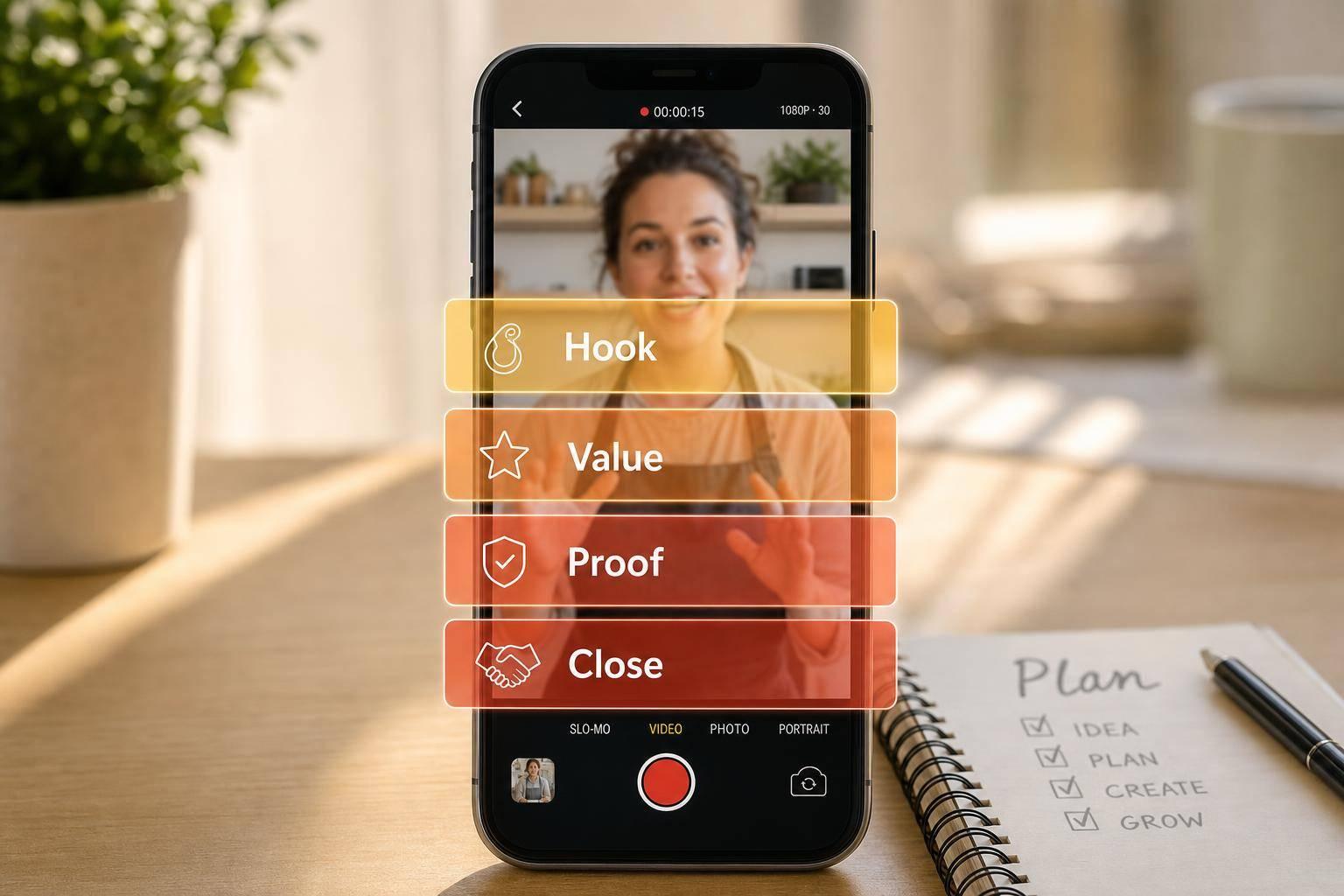
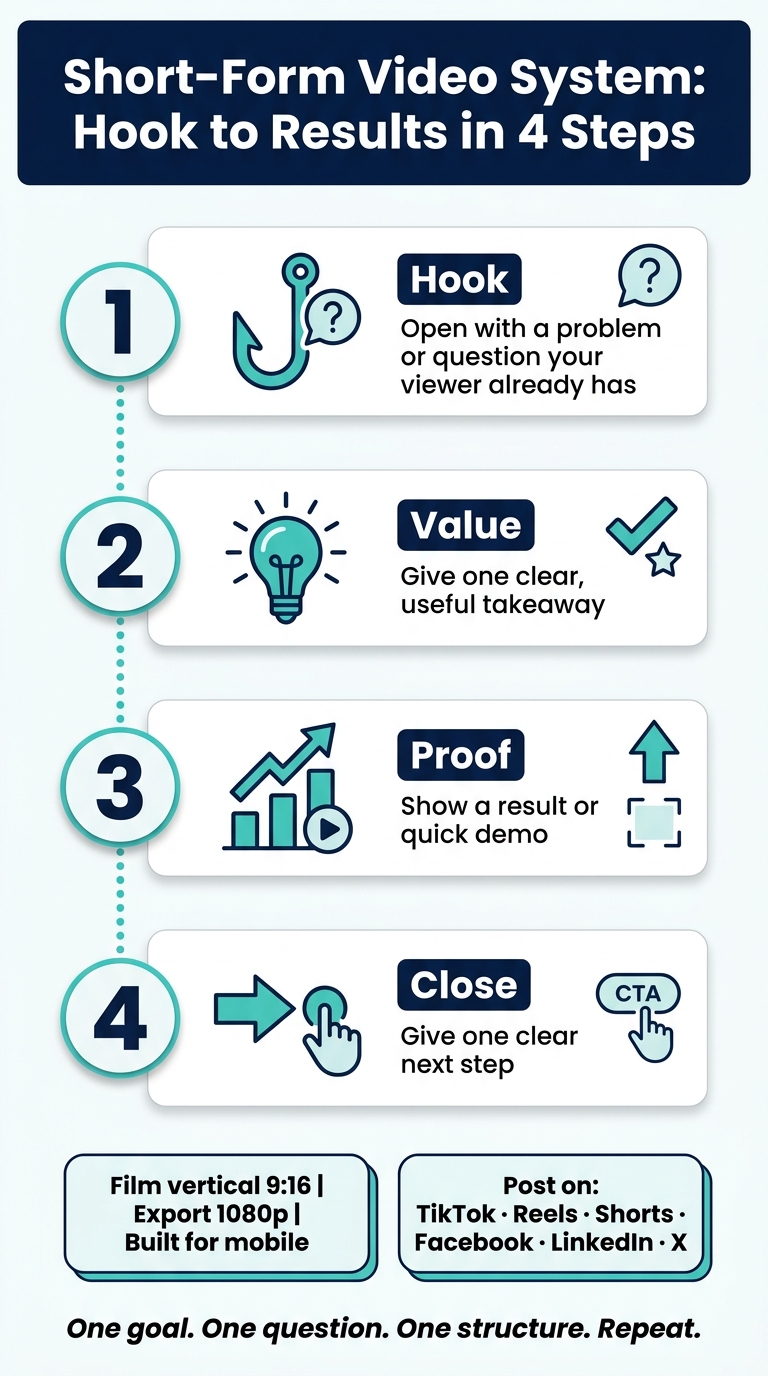
Every short video should follow the same four-part flow: Hook, Value, Proof, Close. This gives you a simple path: get attention, share one useful idea, show it works, and tell viewers what to do next.
- Hook: Open with a problem or question your viewer already has.
- Value: Give one clear takeaway.
- Proof: Show the result or a quick demo.
- Close: Give one next step.
Set Up the Video for Mobile Viewing
Film vertically in 9:16 and export in 1080p so it fills the screen on mobile.
Once your format and framing are set, editing gets a lot simpler and takes less time.
Publish and Improve Across Social Platforms
Once your video is ready, publish it on TikTok, Reels, Shorts, Facebook, LinkedIn, and X. Then tweak the caption and call to action for each platform. The core video idea can stay the same, but each channel should be tracked on its own.
That matters because the same clip can land very differently depending on where it shows up. A direct CTA might work on LinkedIn, while a lighter caption may fit TikTok better. Same video, different context.
Build a Simple 4-Week Posting and Testing Plan
After you publish, use a short test plan to find out which topics and platforms do the most for you. Set up a simple 4-week posting plan around one or two recurring topics each week.
Keep a testing log with:
- video topic
- platform
- posting date
- the metric tied to your goal, such as watch time, saves, leads, or sales
This gives you a clear way to spot patterns without turning the process into a mess of spreadsheets and guesswork.
Track the Metrics That Connect Content to Sales
Use your test log to decide which videos are worth more of your posting time. Focus on metrics that connect content to business results: retention, watch time, shares, saves, profile visits, leads, and sales.
Not every high-view video helps the business. A clip with fewer views but more leads or sales may be doing the heavier lifting. That’s why tracking the right numbers matters more than chasing vanity metrics.
Conclusion: A Starter System for Consistent Short-Form Video
Once you’ve published a few clips and tested what gets traction, the next move is simple: do it again. Short-form video works best when each piece has one clear job and gets to the point fast.
A good place to start is with customer questions. From there, use Hook, Value, Proof, Close to shape each idea into a clip you can repeat without making the process feel like a grind. That also makes it much easier to see which topics are worth more effort.
Simple videos are easier to keep making, easier to track, and easier to improve.
If you want managed production, Sun Scroller can handle planning, production, publishing, and reporting.
To keep getting better, stay focused:
- Pick one goal
- Answer one customer question
- Keep production simple
- Test on a steady basis
That’s how you build a short-form video presence that drives business results.
FAQs
How long should a short-form video be?
The search results don’t include a recommended length for short-form videos.
If you need that detail, check the source material or the platform’s own guidance.
How often should I post as a beginner?
The search results provided don’t say how often a beginner should post short-form video content.
What tools can I use to make videos quickly?
You can start with beginner-friendly tools like CapCut, Canva, InShot, or the built-in editors inside social media apps.
These tools are made to help you put videos together fast without making the process feel like a chore.